Tiling Design Tool | 12.24
About
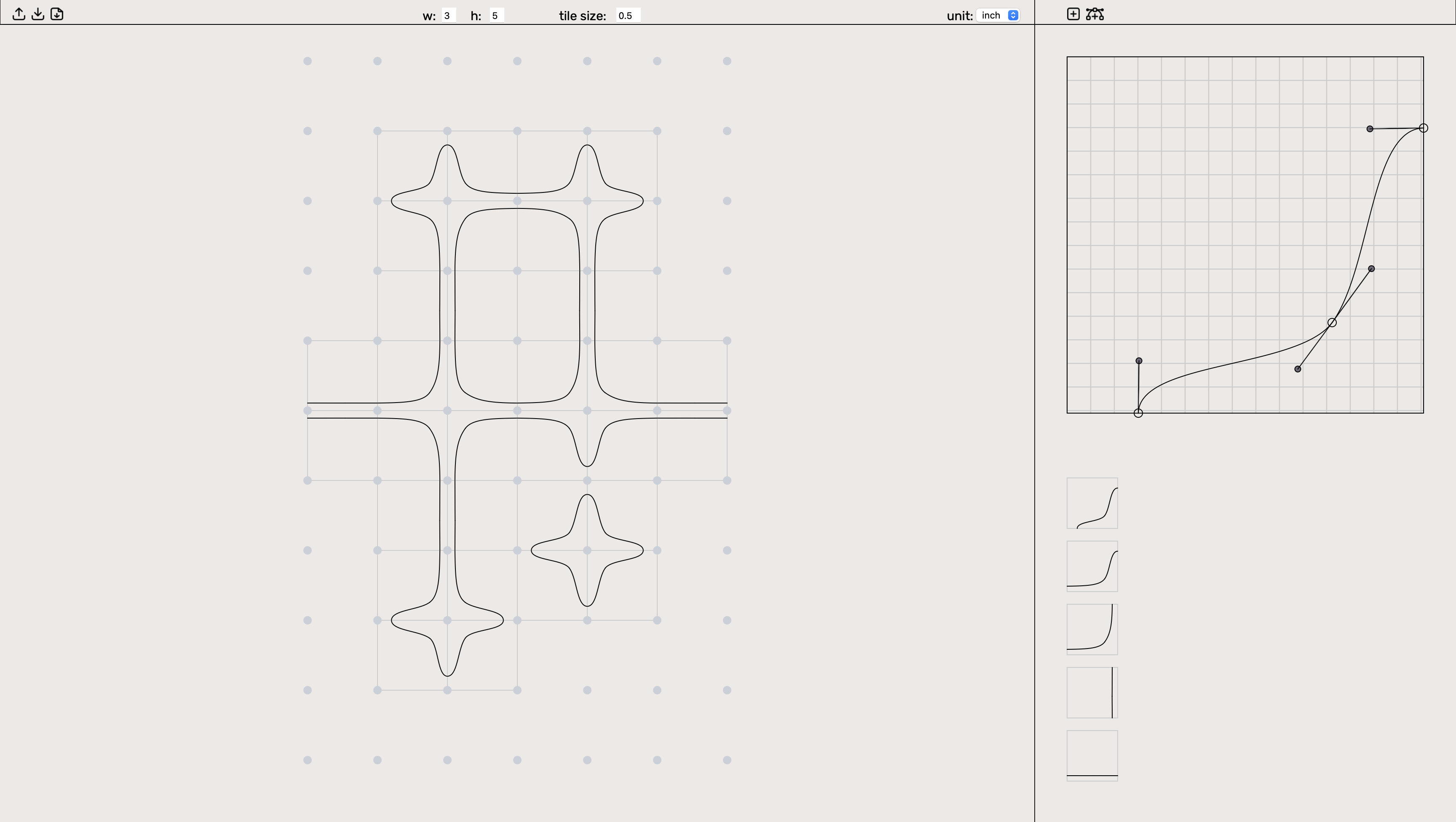
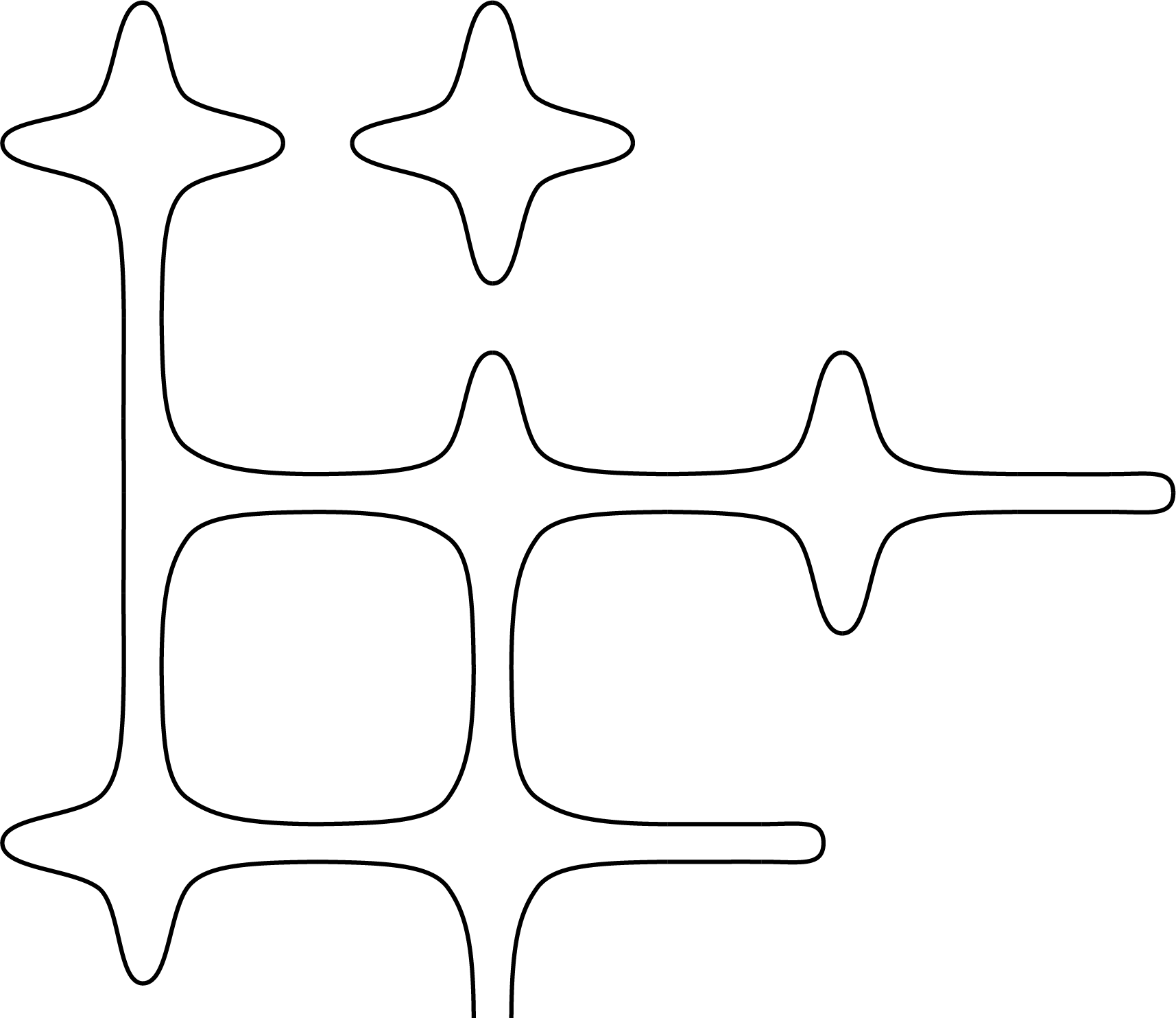
Tiling Tool is a prototype beszier design tool for playing with iterative tile design adjustments and configurations. This tools was developed for the exploration of motif generation. Files can be downloaded and reuploaded for further editing or SVGs of tiling desings can be downloaded.
How it Works
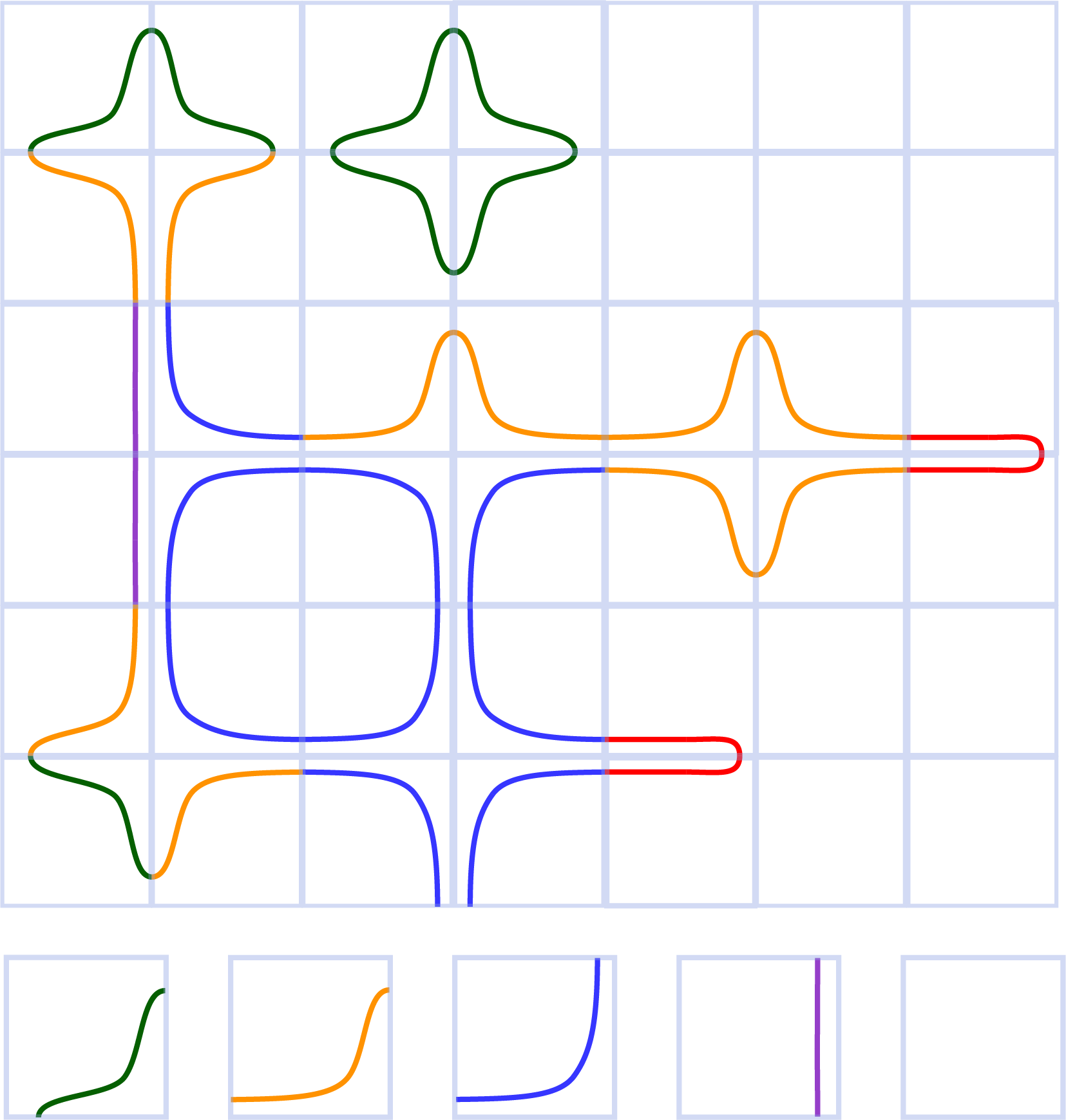
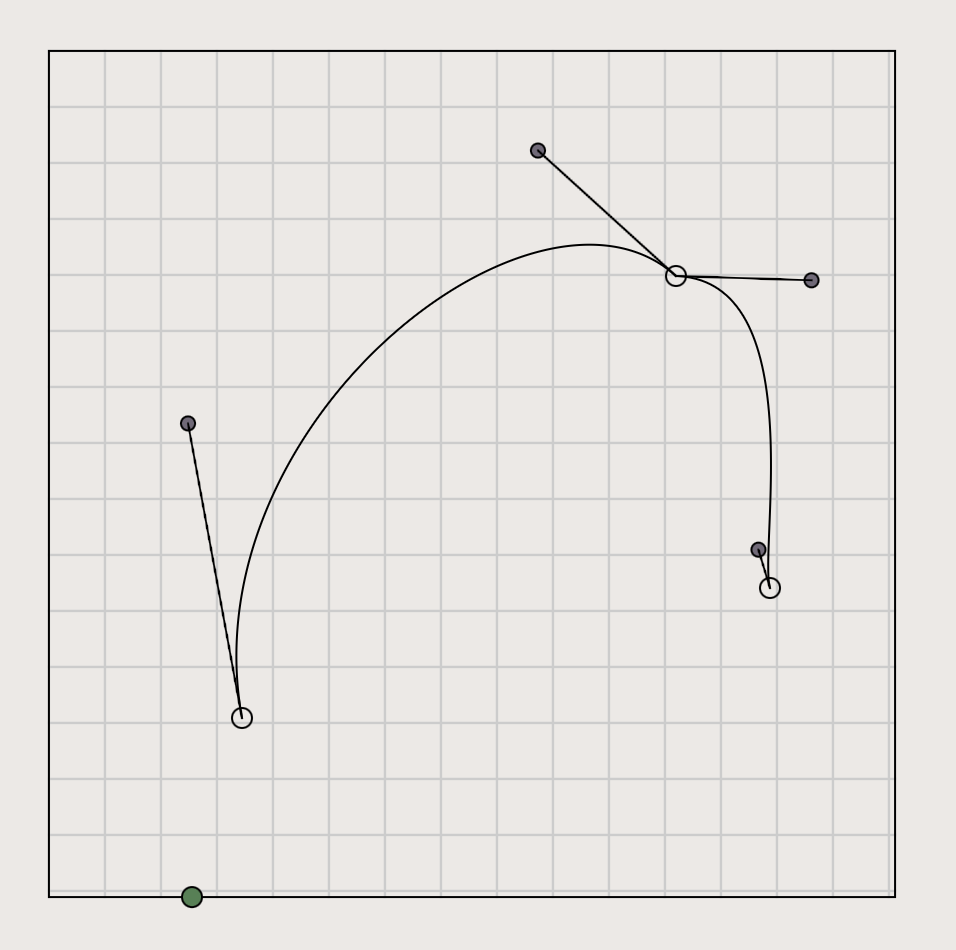
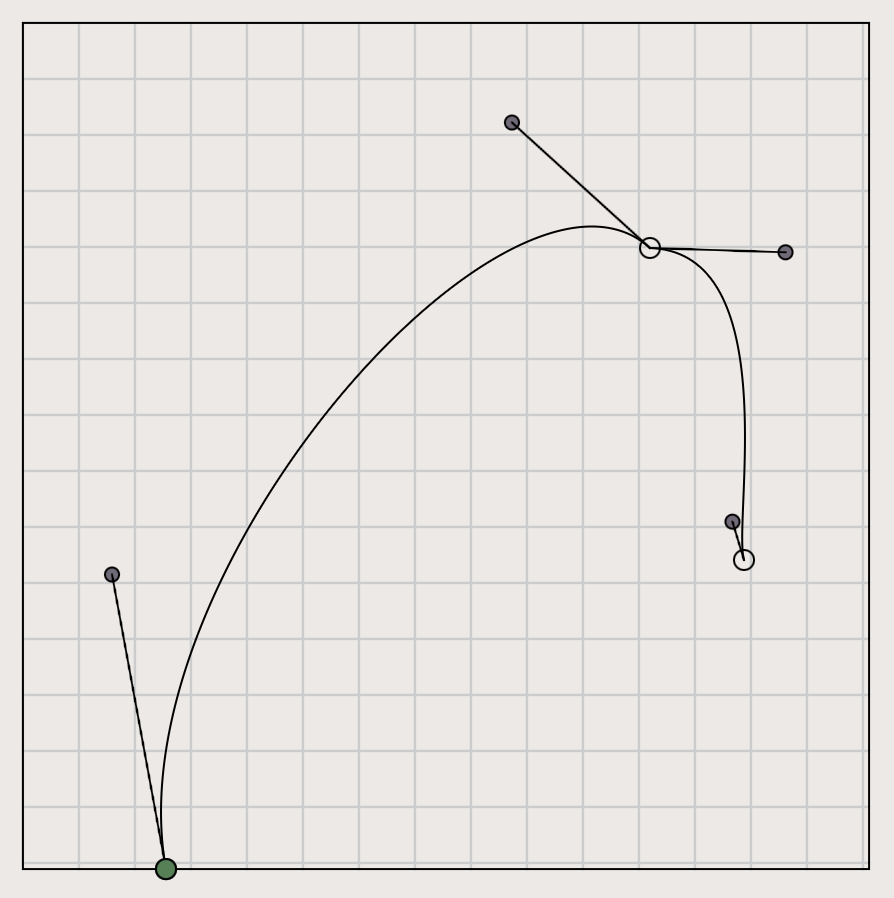
In the tile design workspace on the right, click adds anchor points with draggable control handles for curve shaping. New tiles and new beziers can be added from the top menu bar.
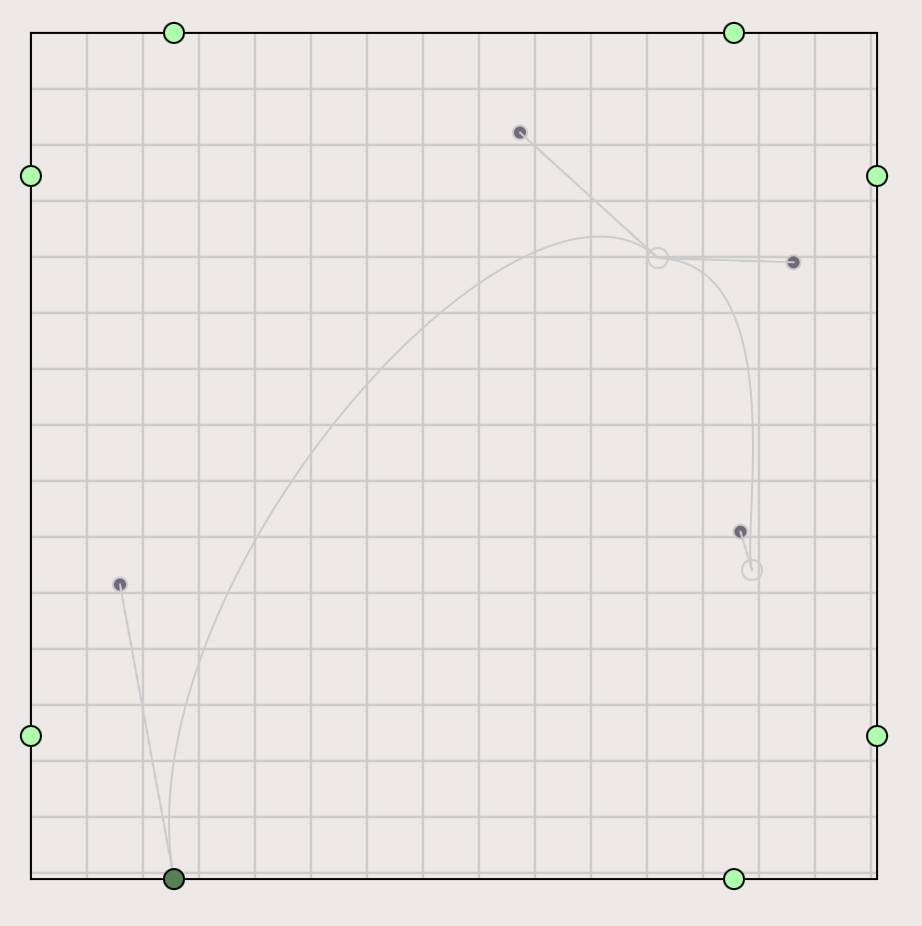
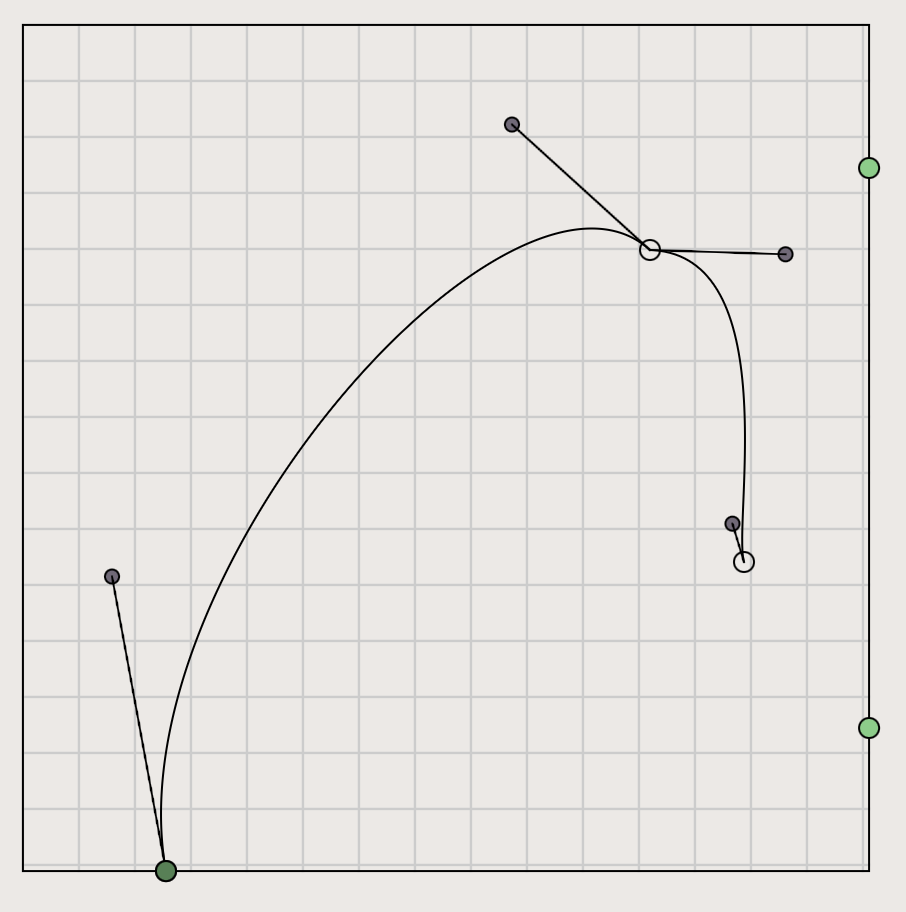
Edge nodes can be added to snap anchor points to by pressing hot key 'Q'. Edge Nodes ensure precise bezier alignment across tiles and transformations. Edge node symmetry points can be turned on by double clicking an edge node then selecting the ghost nodes to be turned on.
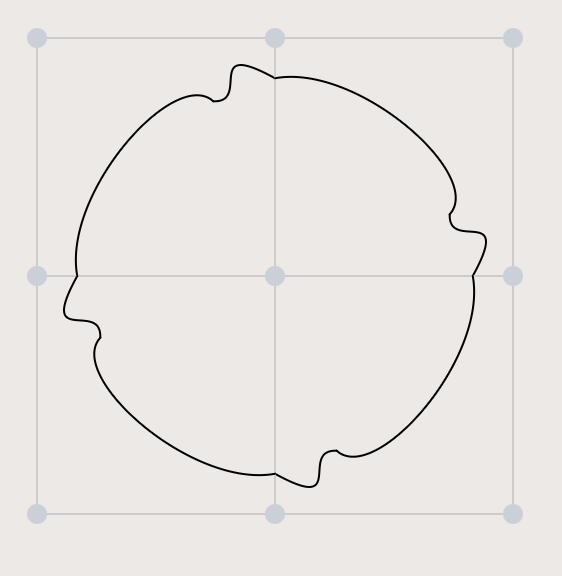
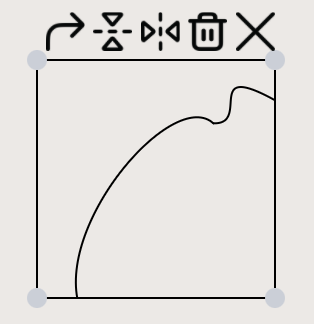
Click in tile layout workspace to add tile copies of active tile design. Double click a tile to transform or delete.
Design Hot Keys
- Q - add edge nodes to design workspace
- E - escape editing mode
- Z - add new design tile
Layout Hot Keys
- Double click a tile instance to transform
- R - rotate tile
- X - flip tile on X axis
- Y - flip tile on Y axis
- W - delete tile instance